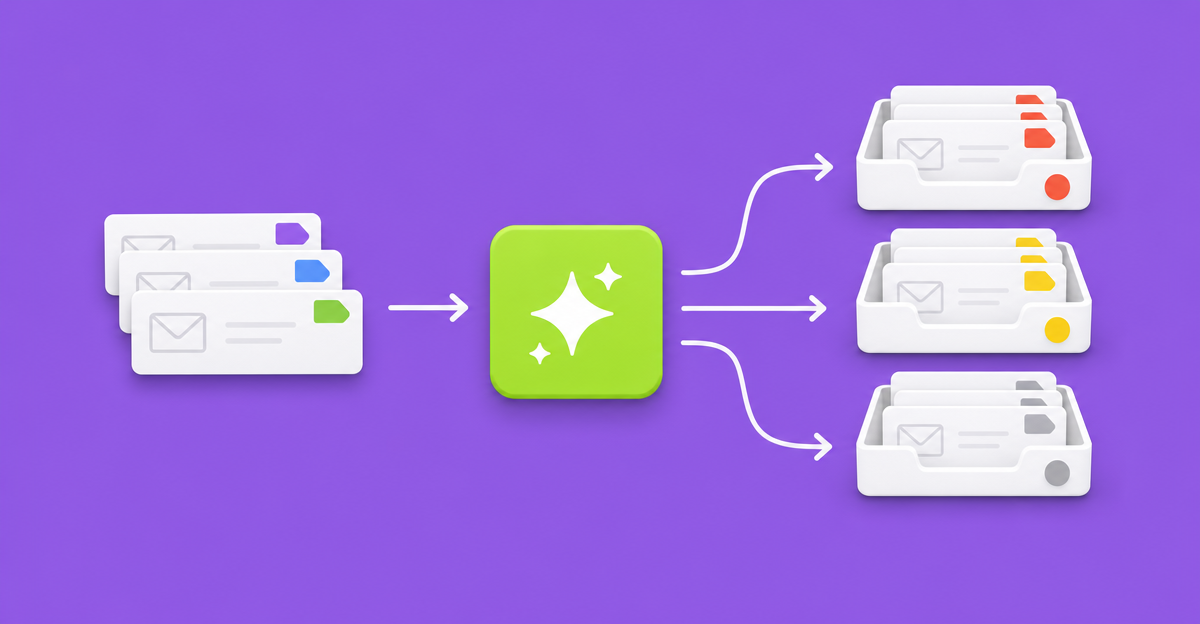
Recipe: Support-Ticket Triage with Claude in a Gravity Forms Feed
One AI Feed call reads each support ticket and writes a category, a priority, a summary and a draft reply onto the entry. Notifications route on the result. Form export included.

 Gil Amminadav
One AI Feed call reads each support ticket and writes a category, a priority, a summary and a draft reply onto the entry. Notifications route on the result. Form export included.
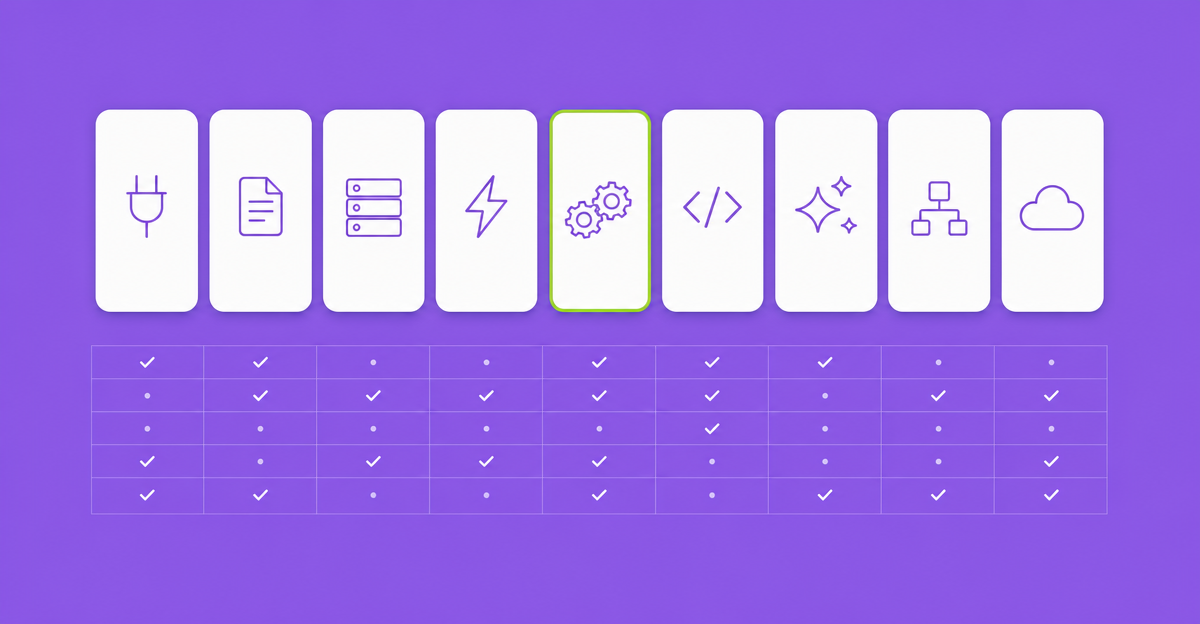
Nine ways to put Claude or OpenAI into a Gravity Forms build in 2026: feed add-ons, document generators, MCP servers, Zapier and Make, and your own code. What each one does, what it costs, and where it beats the rest, including where it beats ours.

Last November the GravityOps bundle had five plugins. It now has fourteen, across workflow, presentation, intelligence, and community. Here’s what shipped, why, and what it means if you build on Gravity Forms for clients.
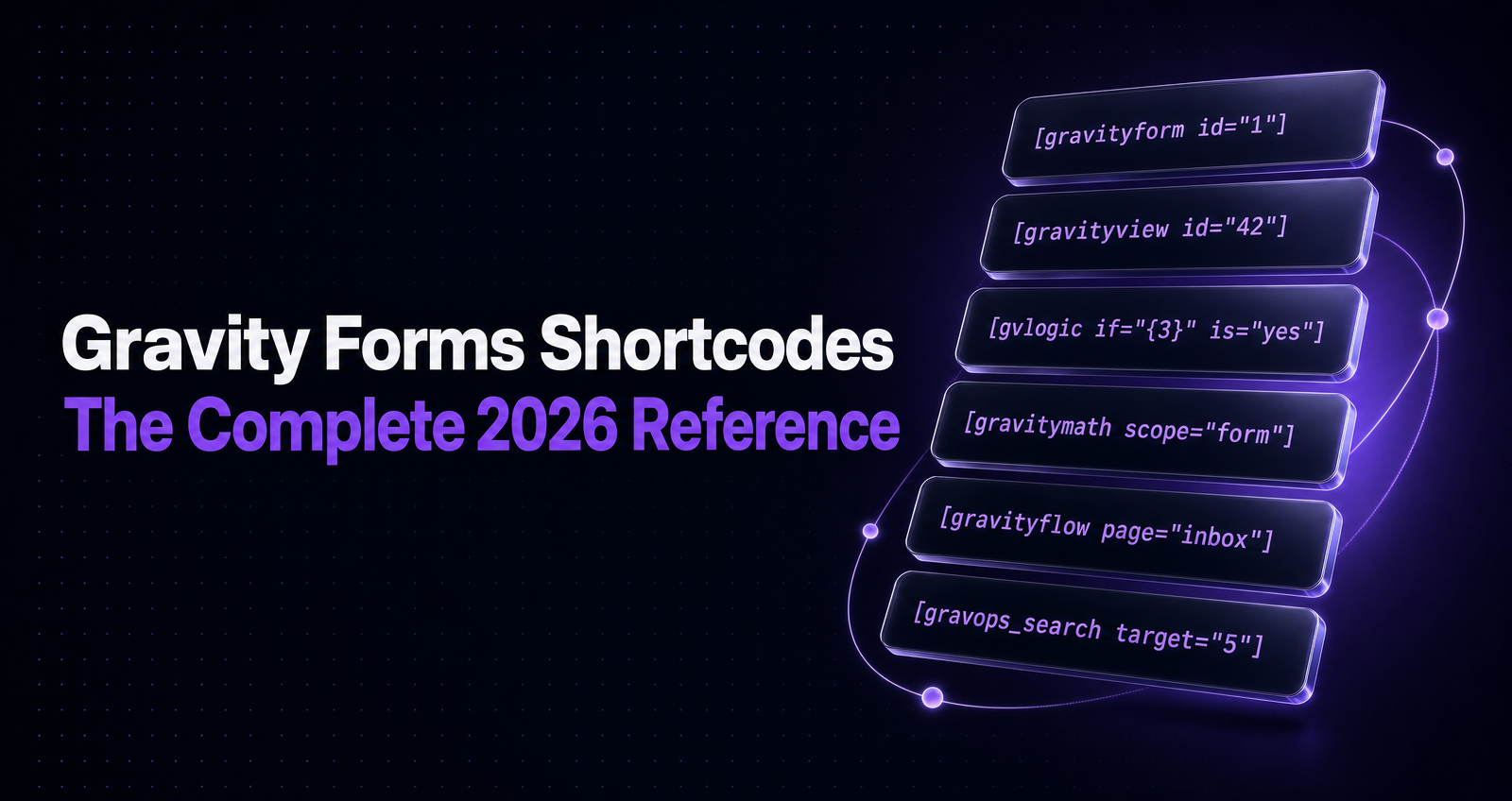
The Gravity Forms ecosystem has more than 60 shortcodes, and no single page documents them all. This reference does: every tag and attribute across Gravity Forms, GravityKit, Gravity Flow, Gravity PDF, Gravity Wiz, GravityOps and our snippet directory, verified against source code and a live install.
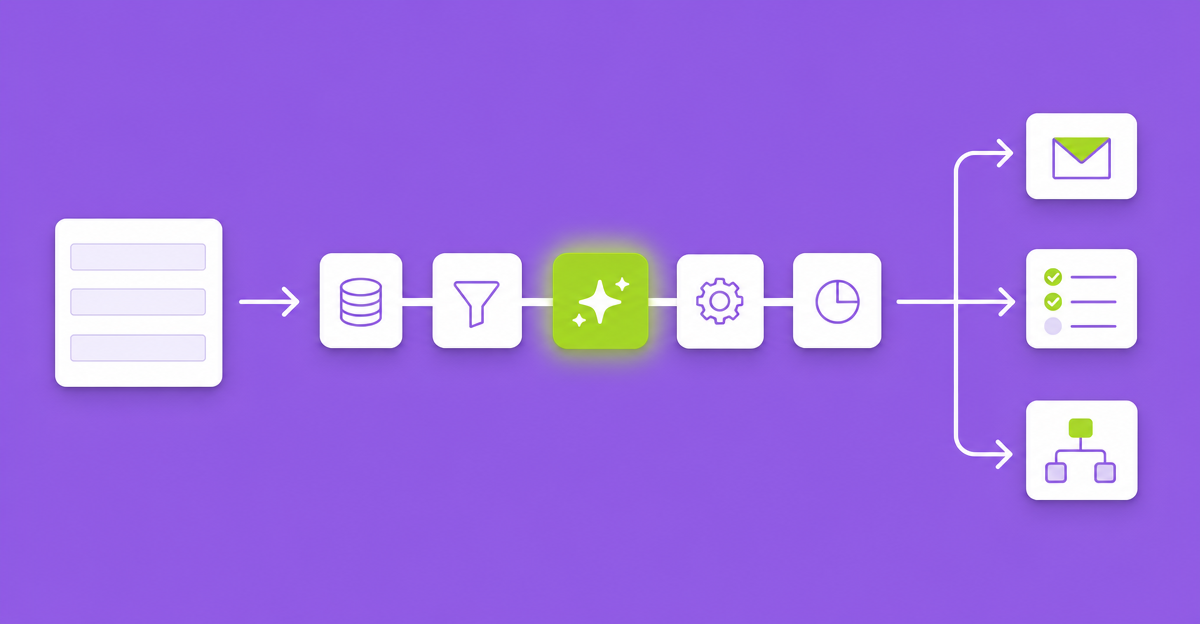
There are three places AI can sit in a Gravity Forms build: in the form builder, outside WordPress, or in the feed pipeline. Only one of them composes with the rest of the system you built. Here’s why we put it in the feed.