
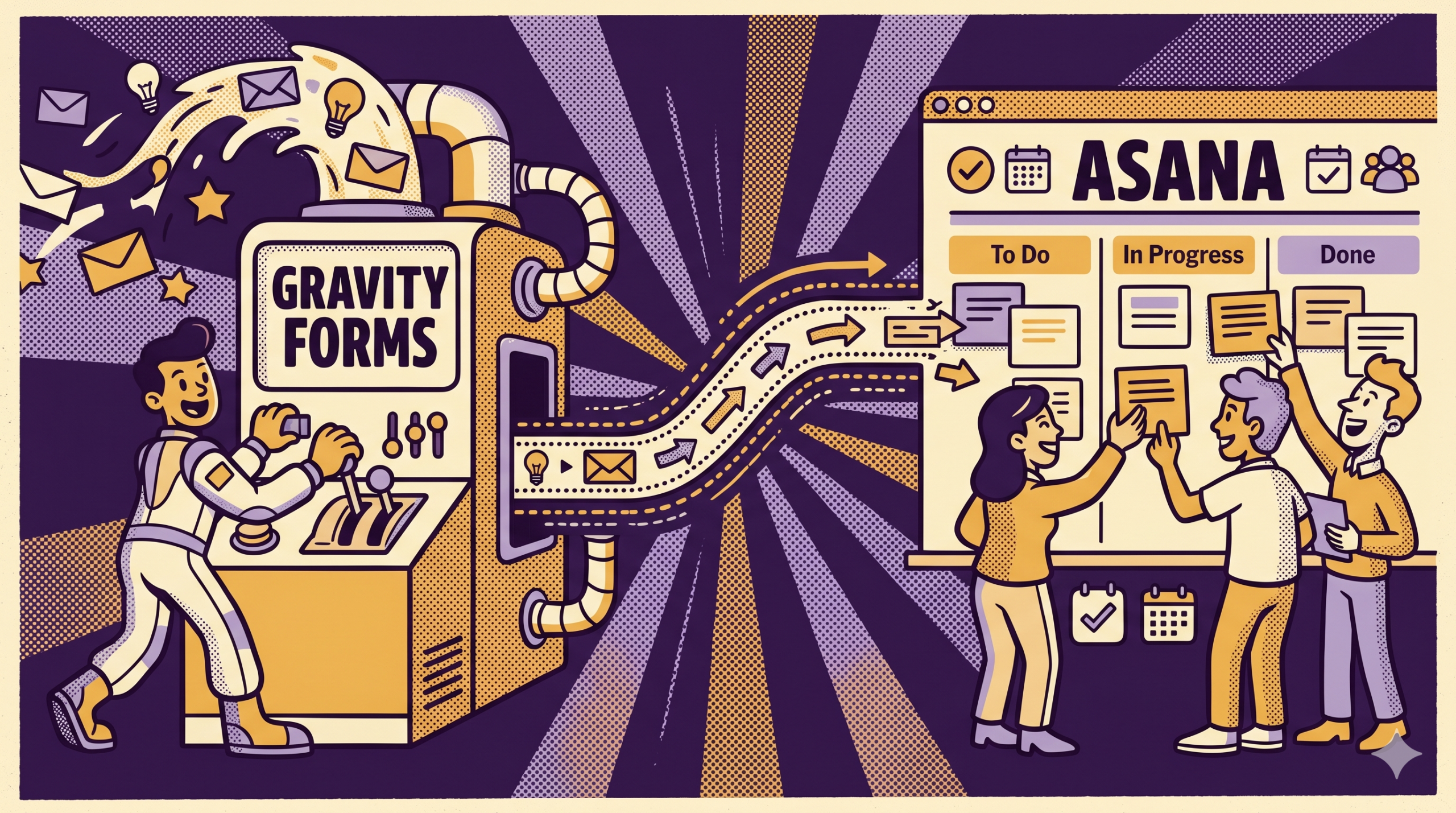
Gravity Forms does one job extremely well: it collects structured information and stores it as entries inside WordPress.
Collection, though, is only part of what most teams need.
- A request that comes through Gravity Forms rarely ends its life in the entry log.
- Someone has to answer it.
- Another has to review it.
- A deadline may need to be attached.
- Approval may be required.
- A manager may want to know whether it is still open.
Once all of those become routine, the conversation around Gravity Forms integration gets much more serious. It’s not just about using Gravity Forms effectively, anymore.
In that setting, integration means extending what Gravity Forms can support after the form has already done its job. The form collects the request. The integration decides what the business can do with that request next.
Your focus should be on one category only: Work management.
Here’s what that means and why Asana is so integral to the whole system.
Why Gravity Forms Integration Matters
Businesses do not add integrations because they enjoy connecting software. They add integrations because entries by themselves are not enough for the way the business actually operates.
Think about what happens on a normal workday:
- A client fills out a service request form.
- A staff member submits an internal operations request.
- The candidate then sends an application, but;
- It comes in through a form instead of an inbox.
Every one of those entries contains information the business needs, but the value does not come from storing the entry alone.
Without integration, that next action often depends on habits rather than structure.
That is where Gravity Forms integration starts to matter. It gives the business a way to connect the entry to a result people can actually use.
What Effective Gravity Forms Integration Looks Like
Not every connection deserves to be called effective. Plenty of setups move data from one place to another while leaving the team with the same manual chores it had before.
A useful Gravity Forms integration has a few recognizable traits.
- The output is usable right away – A team should not need to rebuild the request into another format before acting on it.
- The path back to the original entry stays easy to follow – When someone needs to confirm what the submitter actually entered, the answer should still be sitting in the Gravity Forms entry record.
- The process behaves consistently – The same kind of form request should produce the same kind of downstream result each time, instead of depending on whoever happened to notice it first.
- Manual handling gets smaller, not larger – If a connection produces another copy of the same information while still requiring people to manage the work in email or chat, it has not improved much.
That standard matters because many businesses have something that technically counts as a Gravity Forms integration while the real workflow remains messy.
The Work Management Category
We’re not talking about every kind of Gravity Forms integration. Some integrations update records. Others display entries as directories or internal lists. Then there are those that focus on calculations and rollups. Those are separate categories with their own standards.
Here, the focus is on work that continues after the form is submitted.
That category includes things like:
- Client requests that need follow-up
- Forms that start an approval path
- Applications that move through review
- Onboarding forms tied to several next steps
- Internal requests that sit in a shared queue
These workflows all have one thing in common. The entry is useful, but the entry is not enough.
Teams handling this kind of work usually need concrete things around the request:
- One person responsible for the next step
- A due date or expected timing
- Comments attached to the item
- A queue the team can review together
- A way to tell what is open, waiting, or finished
Those are work-management features.
Once that distinction is named, the argument becomes much simpler. We’re not asking Gravity Forms to become “better at forms.” Instead, we’re asking for a system that can carry the work created by form submissions.
Why Asana Is Required
Asana fits this category because it is built to hold shared work over time.
That matters more than any single feature on its own. A request that needs follow-up does not only need a place to sit. It needs a named assignee, a due date, comments that stay attached to the item, and a visible place in a broader queue. Other people on the team need to see where it stands without starting a new email thread every time they want an update.
Asana gives teams that structure in one place.
A Gravity Forms entry can stay what it already is: the submission record. Asana adds the work record around it. The team can see who owns the next move, whether timing has been set, what notes have been added, and where the request sits on a project board.
That bridge is exactly what the Gravity Forms Asana integration plugin automates: every form submission becomes a structured task in Asana without anyone rekeying the request.
What Changes Once Asana Is Part of the Workflow
Without a work system, teams tend to spread follow-up across several places at once. Each piece of the workflow may be small, but together they create a process that is hard to trust.
Adding Asana to the Gravity Forms workflow pulls that scattered activity into a shared workspace.
A request can land in a project board instead of disappearing into the entry log. Ownership becomes visible. Timing becomes visible. Discussion stays with the task. All of these and more add up that essentially streamlines the process to a subconscious level.
That kind of change matters most in teams that live with recurring submissions. A one-off request can survive a messy process. A weekly stream of intake cannot.
For businesses using Gravity Forms as a steady source of requests, Asana gives the work somewhere stable to sit, move, and finish. That is the real gain.
Closing View
Effective Gravity Forms integration depends on the result each submission needs to produce.
In the work-management category, the business needs more than stored entries. It needs ownership, timing, comments, shared review, and a queue the team can use without guessing who has what.
That is the role Asana fills.
A Gravity Forms workflow depends on follow-up, approvals, internal coordination, or completion steps that stretch beyond the moment of submission. Asana provides the work system that makes the integration effective.
Want to learn more about Gravity Forms? Reach out to BrightLeaf Digital today!
Check out our Snippets Library for useful additions to your Gravity Forms workflow.