
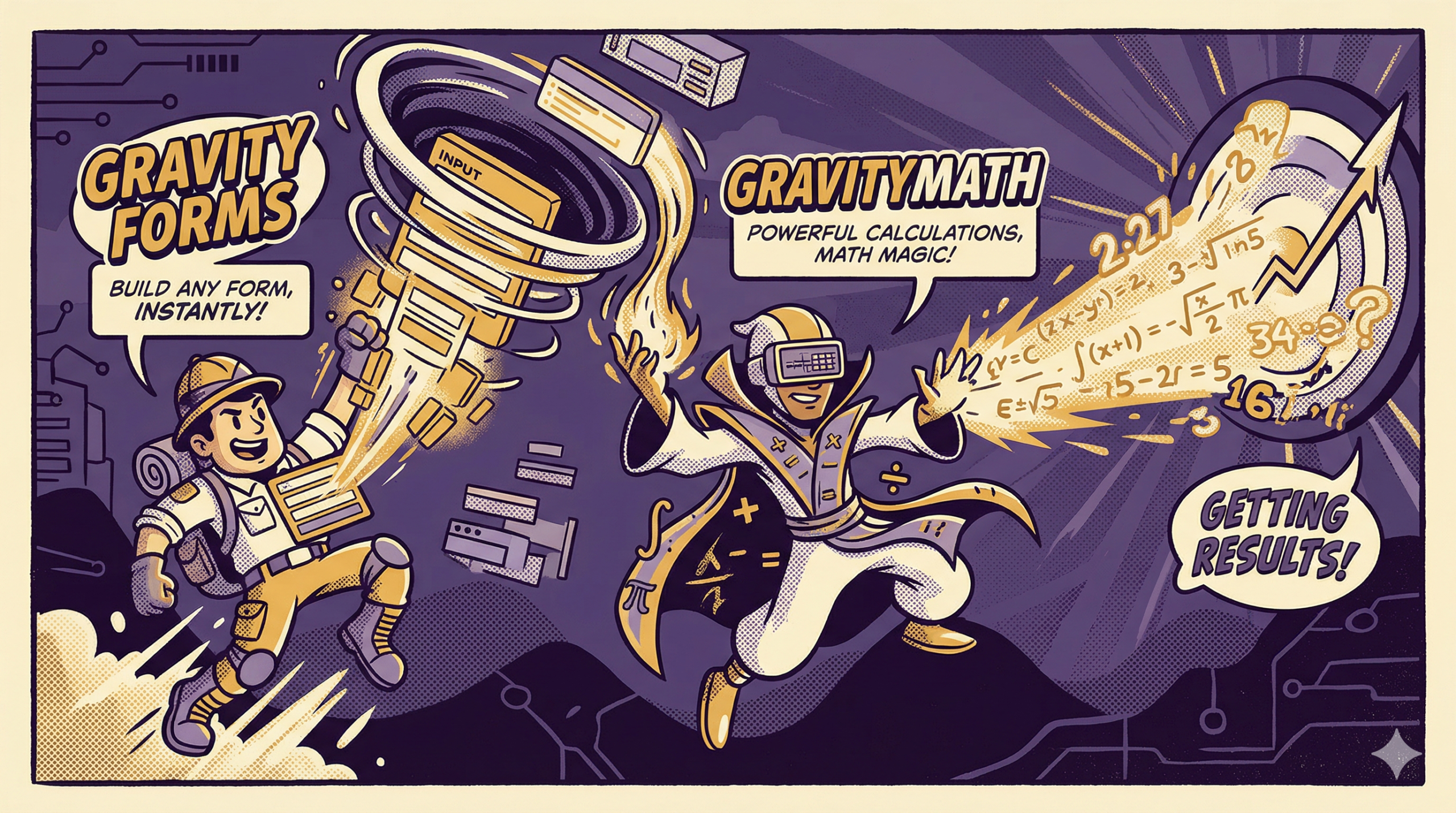
Gravity Forms integration means adding capability around Gravity Forms so users can do more than Gravity Forms alone supports. It is a standard: entries should produce a usable outcome that fits the way the business runs.
Effective Gravity Forms integration connects Gravity Forms entry data to a downstream outcome that stays tied to those entries and holds up under repeated use.
That outcome might be a work item, a record update, a front-end view, or a summary number. “Required” in this title applies to one outcome category only: reusable rollups and summaries computed from stored entry values.
What Gravity Forms Integration Means
Gravity Forms captures structured inputs and stores them as entries. Integration begins when those entries have a job beyond being stored.
In a Gravity Forms workflow, integration usually means one of the following:
- turning entries into work items a team can own
- updating a customer, member, or user record
- presenting entries as pages, lists, or directories
- producing summary numbers from many entries
A Gravity Forms integration is effective when it reduces manual copying and keeps the entry as the reference record.
Multiple versions of the same submission data show up fast in real operations: a spreadsheet export, a copied note in chat, a forwarded email, and the original entry in WordPress. A solid integration reduces that duplication and keeps verification tied to the stored entries.
What Makes an Integration Effective
A connection can exist and still be weak. Effectiveness has a practical test: does the output support real work without forcing people to rebuild context by hand?
A useful Gravity Forms integration meets these standards.
Output that is usable immediately
A task, record, view, or summary should contain the fields people actually need. If staff still copy and paste key values into a new format, the integration is not doing much.
The entry stays the reference record
When someone asks what the submitter entered, the answer should live in one place: the entry. Downstream objects can carry working context, but they should not become competing versions of the submission data.
Repeatable results
A business does not want a one-off pipeline. It wants a workflow that behaves consistently for the same class of submissions. Conditional paths are fine. The rules still need to be stable.
Results that hold up as volume increases
An integration that works for five submissions and falls apart at fifty is not effective. A good Gravity Forms integration produces the same kind of outcome regardless of volume.
Effective Gravity Forms integration produces stable outputs from entries while keeping the entry as the reference record and keeping the workflow repeatable.
Four Integration Outcome Categories
Most Gravity Forms integration goals fall into four groups.
Work item outcomes
A submission should create something a team can act on. Examples include intake requests, support cases, onboarding steps, hiring reviews, or internal requests.
This group fits when:
- the submission needs an owner
- follow-up happens over days, not minutes
- multiple people touch the same request
- status and notes matter
Integrating Gravity Forms with a work system is common in this category because the work item needs ownership and visible progress after the entry arrives.
Record update outcomes
A submission should create or update a profile. Examples include membership updates, user registration, contact records, or preference changes.
This group fits when:
- the same person submits multiple times
- duplicates create problems
- values need consistent formatting
- the record is referenced later
Presentation outcomes
Entries need to be displayed as pages, lists, directories, or internal dashboards. This group is common for listings, portals, internal review pages, and lookup tools.
This group fits when:
- staff need entry data without exporting
- people browse lists more than they open single entries
- filters and sorting matter for review
- access rules matter
Summary and calculation outcomes
The value is in the numbers across many entries.
This group fits when:
- totals are reviewed weekly or monthly
- counts by category drive decisions
- averages or rollups show performance or load
- people keep rebuilding reports from exports
This is where GravityMath becomes required.
Why GravityMath Is Required
Gravity Forms stores entry values, including numeric values. Gravity Forms does not, by itself, provide reusable rollups across stored entries as a standard output. If your Gravity Forms integration goal includes computed totals or summaries, GravityMath is required because it provides calculation output from entry data.
This is a narrow claim tied to the summary and calculation outcome group. When the goal is work items, record updates, or entry presentation, the integration requirement is different.
Integrating Gravity Forms with GravityMath keeps rollups attached to the same stored records everyone already uses.
What Changes When Calculations Live With Entry Data
Many number-heavy workflows fall into a routine once entries accumulate. Exports get pulled, totals get rebuilt in spreadsheets, and “latest numbers” shift across different copies of the same list. Review time gets spent reconciling figures instead of discussing what the figures indicate.
Budgets, inventory requests, class hours, and donation totals are good examples. These numbers are reviewed weekly or monthly, and people expect them to match the stored entries without a manual reconciliation step each time.
A Gravity Forms integration that includes GravityMath changes where the math lives. Totals and summaries are derived from stored entries, which makes the output easier to trace back to the underlying records. Repeated export-and-recalculate cycles become less common because the rollups are produced from the same dataset the team already references.
GravityMath works from stored entries. It does not change how fields behave inside the form. That boundary keeps expectations grounded and keeps the workflow consistent.
Putting It All Together
Effective Gravity Forms integration connects entry data to an outcome people rely on, while keeping the link back to stored entries intact. The best integrations reduce routine manual handling, avoid drifting copies of data, and keep context attached to the work or summaries people review.
GravityMath is required when the outcome you need is calculation-based summaries from entry data. If totals, counts, averages, or rollups drive routine review, relying on exports and manual math creates drift and repeated rework. Integrating GravityMath into your Gravity Forms workflow keeps the math tied to stored entries and keeps summary output tied to the same records people can verify.
Want to learn more about Gravity Forms? Reach out to BrightLeaf Digital today!
Check out our Snippets Library for useful additions to your Gravity Forms workflow.