
Using a BrightLeaf Digital Plugin on a Client Site
Can I use the plugin on client sites? Absolutely! If you’re an agency or freelancer, you can install and manage our plugin on client sites …

Can I use the plugin on client sites? Absolutely! If you’re an agency or freelancer, you can install and manage our plugin on client sites …

Our 30-Day Satisfaction Guarantee Buying a plugin should feel safe. So we back every purchase for 30 days. If the product doesn’t work as expected, …
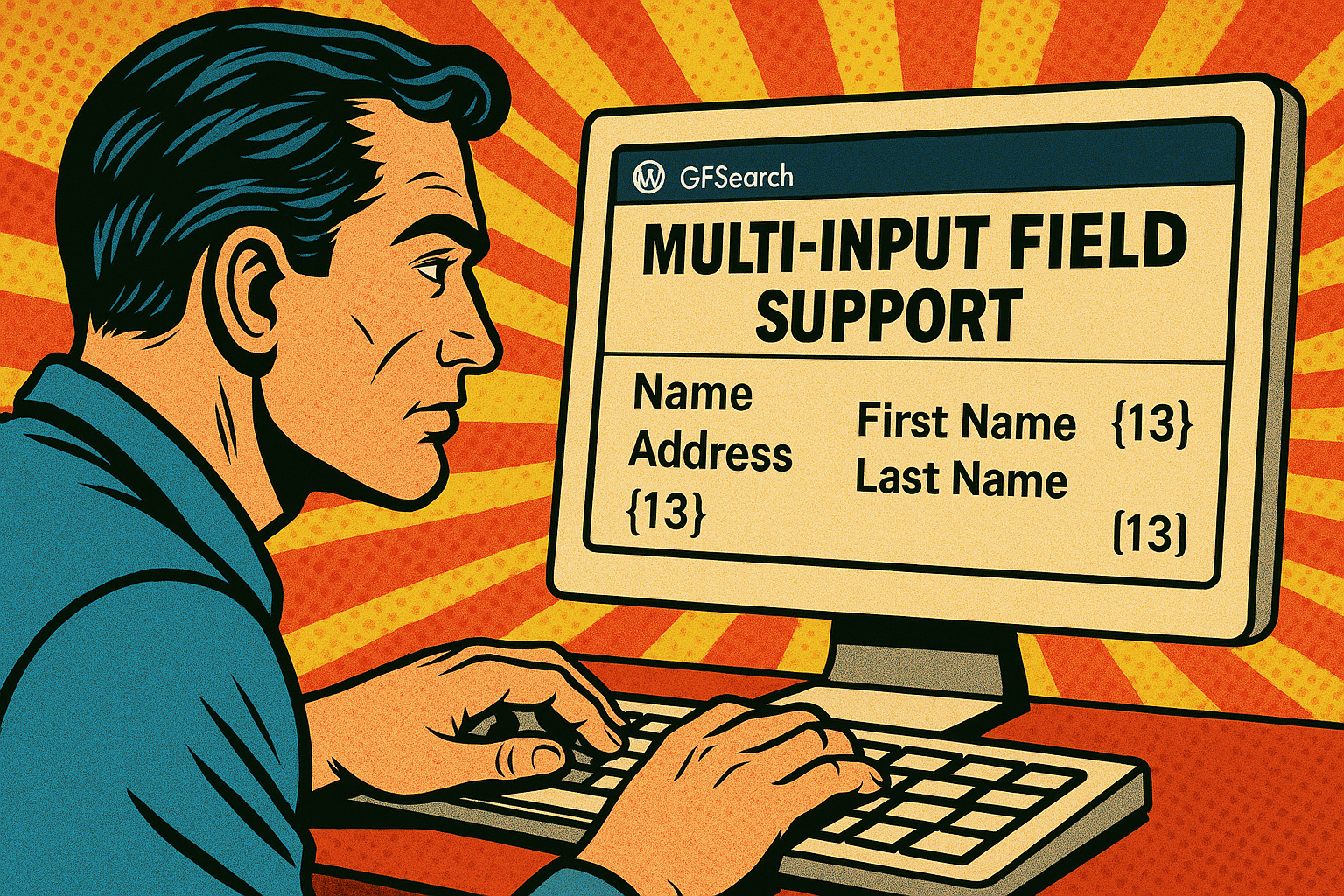
Multi-input fields—such as Name, Address, and Checkbox fields—contain multiple inputs within a single field.GFSearch supports both displaying and searching these fields, but the behavior differs slightly between display and …

The operators attribute in GFSearch allows you to define how each search value is compared to its corresponding field in the search attribute. It should be a comma-separated list, with each operator …

You can include shortcodes inside the display attribute of GFSearch using double curly braces ({{ … }} syntax). This allows you to embed other shortcodes—like gravitymath, gfsearch or any other shortcode—within the output …

The display attribute for GFSearch controls what is shown for each matching entry. You can use it in two different formats: 1. Basic Comma-Separated Field List You …

Learn how to replace the default Gravity Flow inbox with a custom layout using GFSearch. Create inboxes that match your site’s design, show the data you want, and make tasks easier to manage.
A few client invoices at month‑end are easy: open the Gravity Forms entry, resend it, send the email, archive it. Five minutes and you’re done. …

The Most Flexible Way to Display Gravity Forms Entry Data Gravity Forms is a fantastic tool for collecting form submissions—but what if you need to …

Manually emailing hundreds of customers is tedious—but for some organisations it’s a daily bottleneck. That’s why the Mass Email Notifications plugin, which layers batch‑sending and queue controls …