
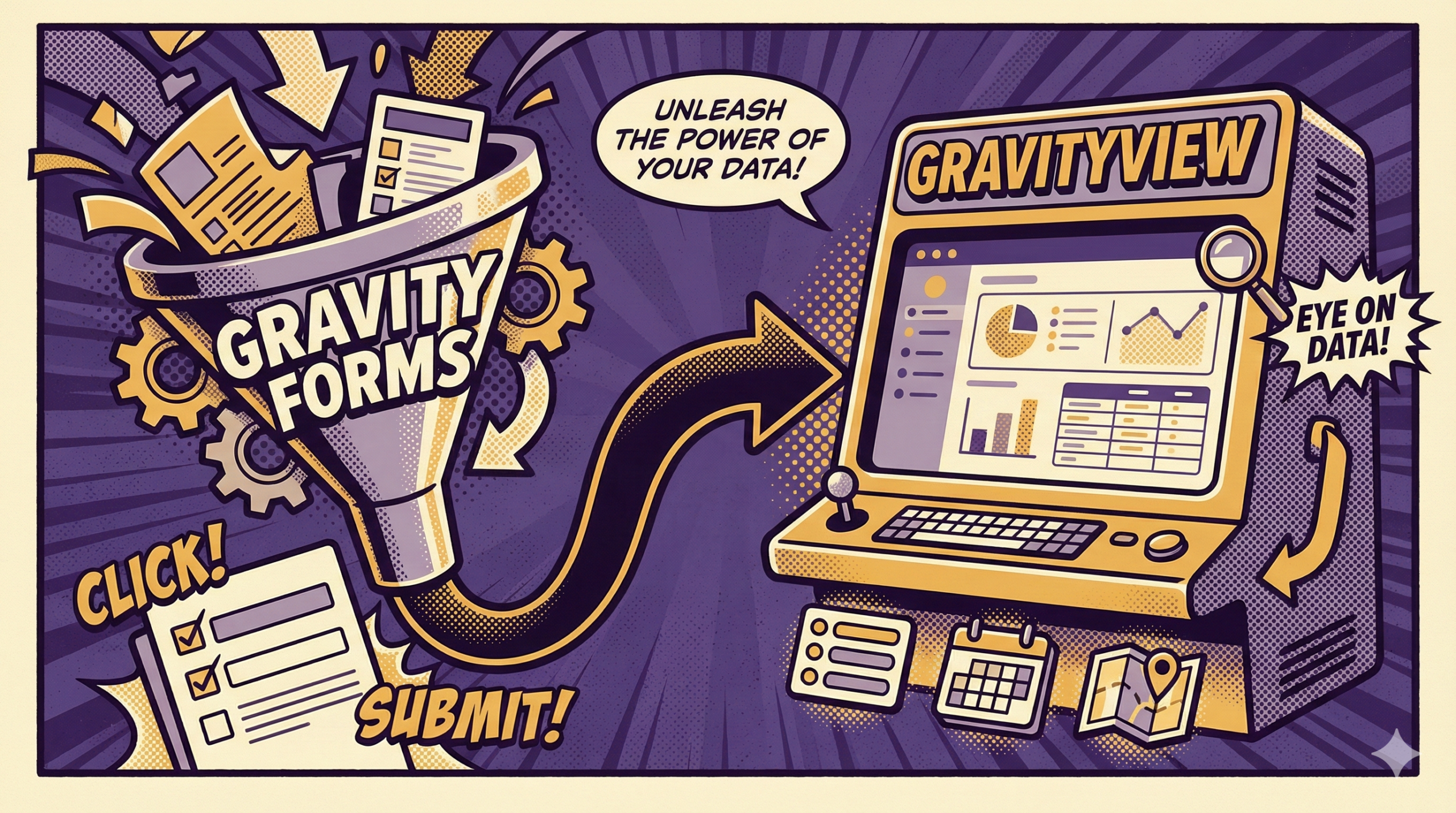
If you use Gravity Forms, you already understand the intake side. People submit information through a form, and WordPress stores it as entries. That’s often where the mental model ends.
In a business, collection is only useful when the information reaches the people who need it next, in a format they can work with.
GravityView changes the second half of the story. It doesn’t change what Gravity Forms captures. It changes what your captured data can look like inside your site. Instead of entries being something you occasionally check in the dashboard, they become something you can work with through a practical front-end view.
What Changes When You Add GravityView
Without GravityView, there are only a few default ways to consume entry data: the admin entry list, individual entry pages in wp-admin, and whatever arrives by email. Those can be fine when volume is low and one person is responsible. They get awkward when the information needs to circulate. The usual response is to push the data somewhere else so it becomes workable: spreadsheets, a project tool, a shared drive, or a separate database.
GravityView gives you a fourth option: keep the records where they already live and present them on the front end in a structured way. That single change cuts down “copy it over so someone can see it” behavior.
The Simplest Mental Model
Think of Gravity Forms as record creation. Each submission becomes a record with consistent fields.
Think of GravityView as record access. It lets you decide how those records appear on your site for the people who need them.
Instead of designing a form as a one-time intake event, you design it as the start of a record that has a life afterward. And once you do that, you start to notice what the same entry set can become: a directory, a profile-style record page, or a simple internal database you can search without exporting.
Once you see entries as records, you stop asking “did we receive it?” and start asking “what does the record tell us right now?” That’s when Gravity Forms becomes less of a mailbox and more of a system.
What “Usable” Looks Like
A workable front-end view usually needs four things:
- a list people can scan
- a way to narrow that list (search, filters, sorting)
- a single-record screen with the details
- optional updates, enabled intentionally, for specific fields
Access is part of usable, too. In many setups, not everyone should see every record. Sometimes you want a broad internal view. Other times you want a narrower view that shows only a subset of entries, or only the entries tied to the current user. The point isn’t a specific permission model; it’s that views let you shape who sees what through the interface, instead of sharing exports or screenshots.
One subtle point worth keeping in mind: GravityView’s default experience is page-based. You browse, filter, open a record, and edit through configured screens. It’s not the same interaction style as a visual board where you drag items across columns to change state.
What This Means For Business Operations
When entries aren’t easy to consume, businesses invent workarounds:
- someone forwards notifications because the “right” person can’t access the entry list
- someone exports a CSV because they need an overview
- someone maintains a parallel tracker because it’s faster than clicking through wp-admin
Those workarounds aren’t a failure. They’re a sign the system has no shared workspace.
A front-end view changes the default reference point. Instead of “who has the entry,” the question becomes “which page shows it.” Instead of “can you export that,” the question becomes “can we filter it.” The entry becomes a shared reference again.
It also helps with continuity. If one person is out, the record doesn’t disappear into their inbox. If you bring someone new into the process, you don’t have to explain a maze of handoffs. You can point to the view and say: this is where the records live.
Where Gravity Forms Integrations Fit In
A lot of “gravity forms integrations” talk is really about moving data out so another tool can provide an interface. GravityView doesn’t replace every external system, but it reduces how often you need to ship data elsewhere just so it can be seen and managed.
That matters because exports and syncs create drift. Two systems start to disagree. Notes and updates land in different places. People stop trusting the source record because it feels stale. Keeping the working surface on the same site keeps the record current.
A Neutral Workflow Example
Imagine a “request” form. It might be a support request, an internal request, an application, or anything else.
With Gravity Forms alone, the request arrives as an entry and a notification. Someone checks it, then the rest of the handling happens in side channels.
With GravityView added, you can turn the entries into a “current requests” page. That page can show a clean list and let someone search by name, filter by category, and sort by date. Clicking a row opens the single request. If you choose to, you can allow a small set of fields to be updated later (for example, a status field or an internal note field) so the record stays current.
You can also create different “lenses” without duplicating anything: one view can be broad and operational, while another can be narrow and personal for checking “my records” without needing dashboard access. Same entries. Different presentations.
How It Changes Form Design In A Practical Way
Once you know entries will be used through views, you start making different design decisions:
- you choose option values that group cleanly (so filtering is predictable)
- you name fields so they read well when displayed
- you separate “display” information from “internal” information when needed
- you add only the structure you’ll actually use later
This doesn’t make forms heavier. It makes them clearer. It’s the difference between collecting “messages” and collecting “records.”
If you’ve ever searched for the gravity forms wordpress plugin and wondered why people talk about it like an operations platform, this is usually the missing piece. The power is not only the form. It’s what you do with the entries afterward.
When You Still Go Outward
There are plenty of cases where an external system is the right destination: payment processing, accounting, marketing sends, deep BI, or collaboration that truly lives elsewhere. GravityView isn’t competing with those. It simply lets you avoid exporting or syncing by default when what you really needed was a workable view of your own entries.
Still have questions about Gravity Forms and GravityView? BrightLeaf Digital can give you the answers. Reach out to us today!