
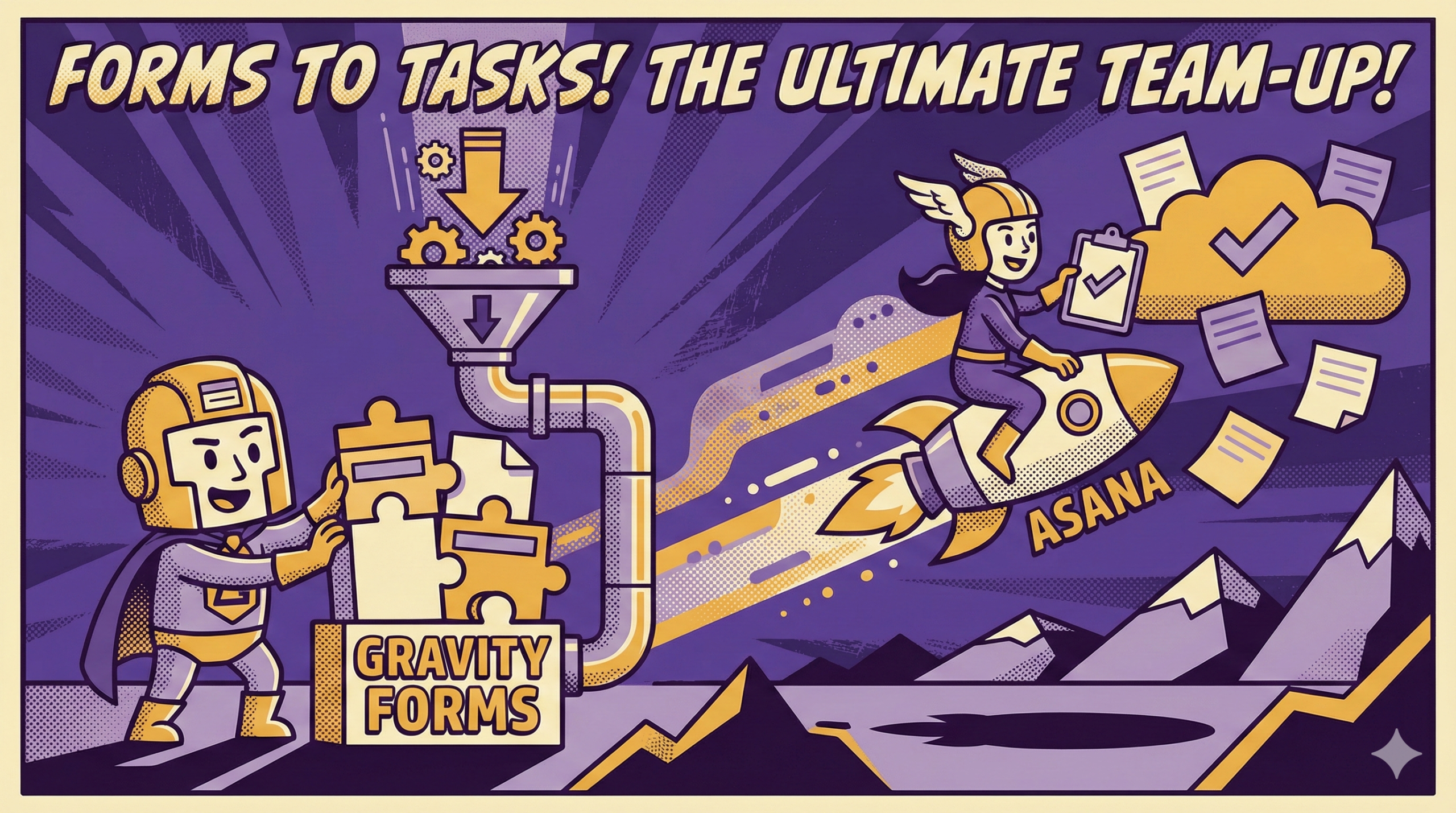
In many organizations, Gravity Forms and Asana already coexist. Gravity Forms sits at the front door, collecting requests through the website. Asana runs internally, where work is planned, assigned, and completed. The friction shows up when these two systems describe the same process but remain disconnected.
A form submission usually signals that something needs to happen next. It might require review, processing, follow-through, or fulfillment.
When that downstream activity already lives in Asana, leaving submissions parked inside WordPress creates an unnecessary split. Intake happens in one place. Execution happens in another. The handoff depends on manual habits instead of structure.
If you’re already using both Gravity Forms and Asana, why not just use them together?
Why Gravity Forms and Asana Work Well Together
Gravity Forms is strong at structured intake. It standardizes how requests arrive and reduces ambiguity before work even begins. By enforcing required fields and validation, it can reduce missing information and cut down on follow-up questions later.
Asana is strong at execution. It represents work as something that can be owned, tracked, and progressed inside a shared system. Tasks live in projects. Responsibility is visible. Asana supports status tracking and progress updates when the team keeps it current.
Together, they cover two distinct but connected phases of the same process.
- Gravity Forms answers: what was requested, by whom, and with what details.
- Asana answers: who owns it, what is happening now, and what comes next.
When these roles stay separate, teams still bridge the gap. They copy text into tasks, forward emails, or paste links into chats. The work moves forward, but the system does not reflect how it actually flows. Connecting intake to execution removes that hidden labor.
The Best Way to Create Asana Tasks from Gravity Forms Submissions
The goal is not task creation for its own sake. The goal is to produce a task that is immediately usable. If a task requires extra cleanup before anyone can act, the integration has only shifted the manual work downstream.
A good task starts with a clear title. It should communicate the type of request and a key identifier at a glance. This allows quick scanning and prioritization without opening every task.
The description should support action, not storage. Including the handful of fields needed to begin work is usually enough. Long, unstructured entry dumps slow triage and hide what matters most.
Context should remain accessible without duplication. Linking back to the original Gravity Forms entry allows assignees to verify details or review conditional fields without copying data into multiple places.
Routing and ownership should be defined consistently, ideally by rules. Tasks should arrive in the correct project and with an owner based on information already captured in the form. When ownership is explicit from the start, tasks are more likely to function as a work queue rather than a notification stream.
Timing matters as well. Some submissions require immediate handling. Others only become work after review or approval. Task creation should reflect that distinction so the project remains meaningful.
Asana Task Creation from Gravity Forms Submissions: Mistakes to Avoid
The most common failure is creating tasks without owners. An unassigned task creates ambiguity, and ambiguity creates backlog.
Another issue is over-creation. When every submission becomes a task, regardless of whether it needs action, the project fills with noise. Once the queue includes non-work items, people stop trusting it.
Formatting mistakes compound over time. Walls of text slow every handler. Vague task titles prevent quick prioritization. Missing links back to the original entry force people to search for context elsewhere.
A few patterns consistently cause trouble:
- Tasks created with no assignee.
- Titles that do not distinguish request types.
- Descriptions that repeat every field without structure.
- No reference back to the original submission.
- Inconsistent placement of key information across tasks.
Each issue alone adds friction. Together, they turn a clean workflow into another place work gets lost.
Final Thoughts
When Gravity Forms collects requests and Asana runs execution, the handoff should be explicit. Submissions that require handling should become tasks because tasks are how work is represented and managed.
Done well, this connection stabilizes operations. Intake arrives cleanly. Work lands where teams already operate. Ownership is visible early. Progress is tracked without chasing updates through side channels.
Creating Asana tasks from Gravity Forms submissions is not an optimization trick. It’s the straightforward completion of a workflow that already exists.
If you want to know more about Gravity Forms, Asana, and others, contact BrightLeaf Digital today.
You can also check out BrightLeaf Digital’s Snippets Library for useful things you can add to your Gravity Forms workflow.