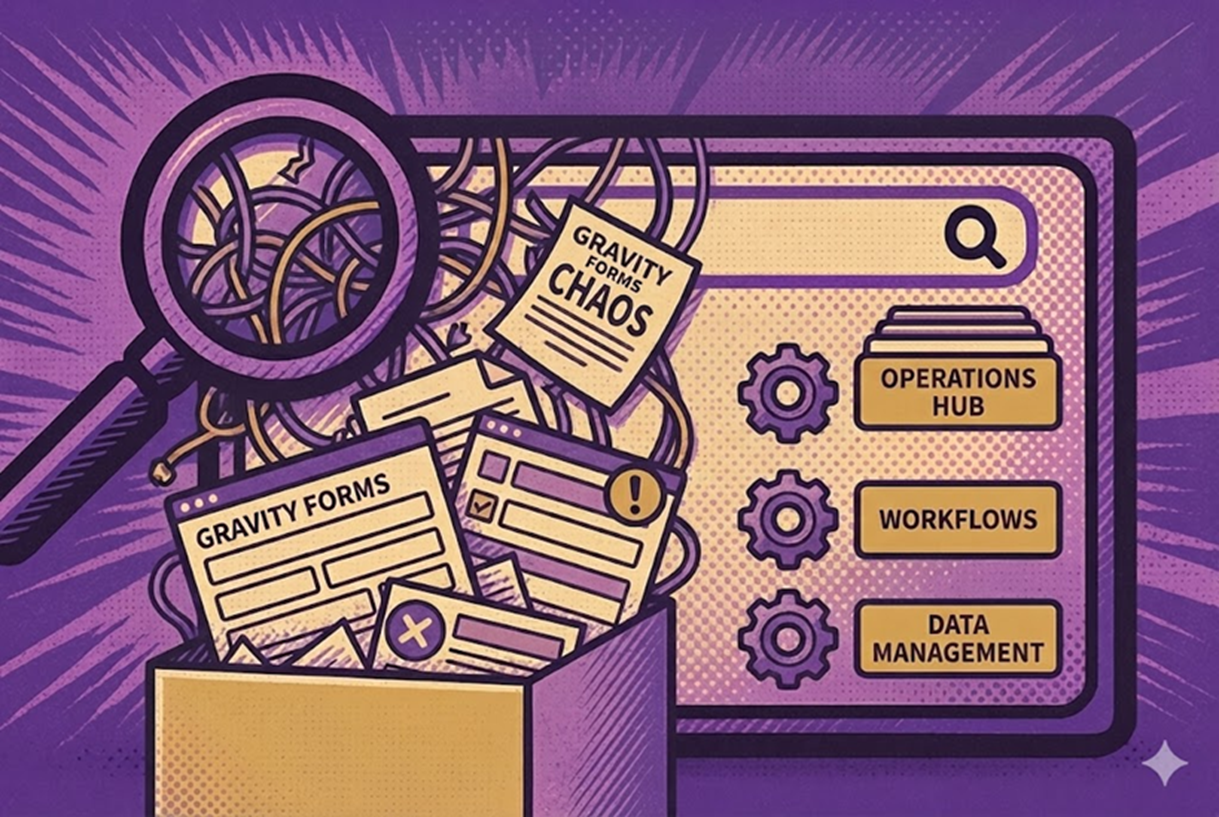
Why Your WordPress Gravity Forms Setup Feels Chaotic — And How to Turn It Into an Operations Hub
If you use Gravity Forms long enough, the admin screen stops feeling like a simple form list and starts feeling like a maze. New forms …

 Melvin Wong
If you use Gravity Forms long enough, the admin screen stops feeling like a simple form list and starts feeling like a maze. New forms …
Most organizations treat Gravity Forms the same way they treat their email inbox: a place where information goes in — and where someone needs to …

When you only have a few forms, the Gravity Forms and GravityView lists are easy to manage. Once you have dozens or hundreds, things change. …
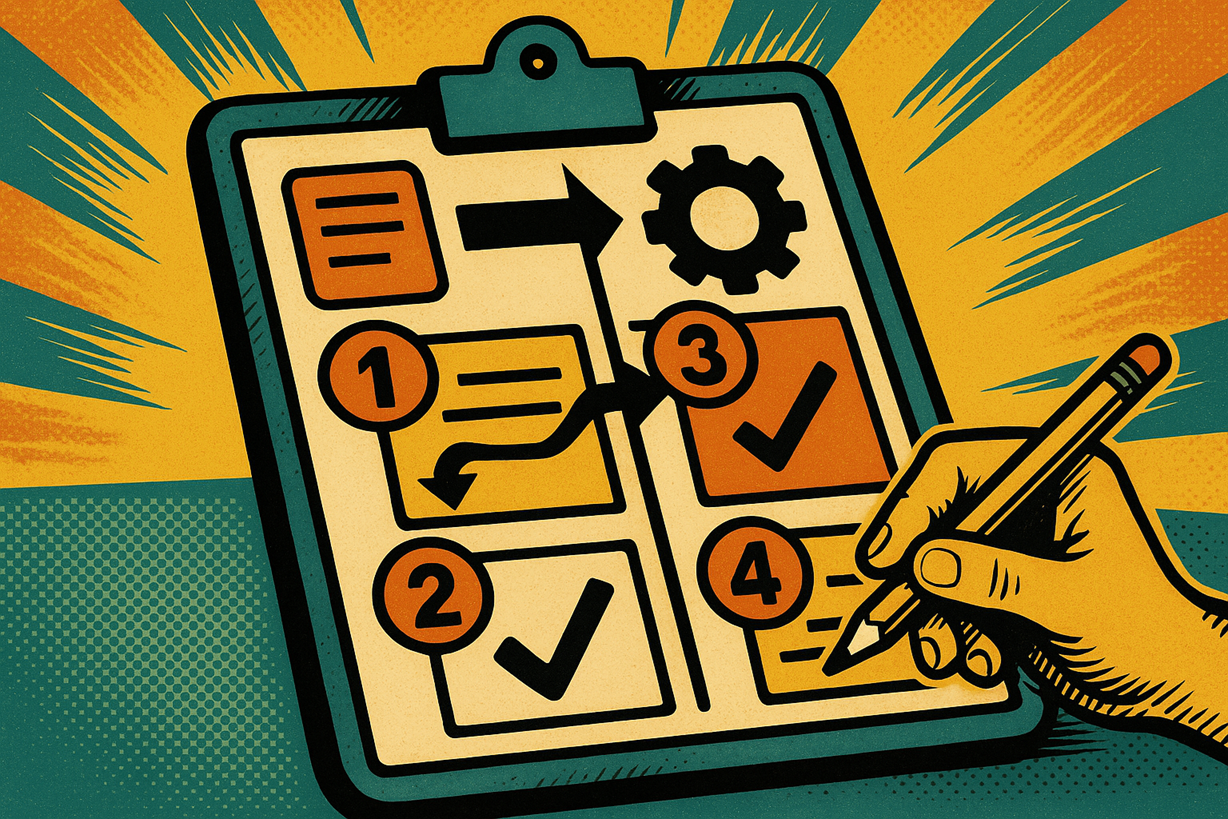
When you rely on Gravity Forms, your site collects a lot of useful data. The problem is getting that data back out in a way …
Gravity Forms captures the truth of your operations. But truth buried in entries slows decisions. GravityOps Search fixes that. It turns raw submissions into on-demand …

Gravity Forms and GravityView power serious operations across WordPress. As inventories scale, inefficiencies compound: search fatigue, duplicate sprawl, and context switching. Folders4Gravity fixes the admin …

If you’ve used Gravity Forms for more than five minutes, you’ve probably had this thought: “Great, the data is in there… now how do I …

Your Gravity Forms screen shouldn’t feel like a scavenger hunt. Folders4Gravity gives you a clean, folder-based workspace inside WordPress so you can group related forms—and, …

Below are five real-world use cases where GFSearch removes friction and ships results fast. Each section explains the business value, the setup logic, and a …

Your Gravity Forms list shouldn’t feel like a junk drawer. Folders4Gravity gives you a clean, folder-based workspace inside WordPress so you can group forms—and, when …