
Introduction
The latest release of the GravityOps plugin suite includes a collection of refinements across the board: bug fixes, quality‑of‑life improvements, UI adjustments, and feature additions focused on improving real support and operational workflows.
One of the most meaningful additions in this release is the integration with Trusted Login — a secure, client‑initiated way to grant temporary support access to your site without sharing WordPress credentials.
When support requires admin‑level access, the traditional approach has been to create a temporary user and send a username and password by email or ticket. That pattern introduces unnecessary risk and friction. Trusted Login replaces it with a controlled, time‑limited access flow that keeps you in control and removes the need to exchange credentials altogether.
In this post, we’ll explain why this change matters, what problem it solves, and how the Trusted Login flow works inside GravityOps.
The Problem: Temporary Access Without Headaches
Support access is a routine part of working with WordPress plugins. When something breaks or behaves unexpectedly, visibility into the admin is often required to diagnose the issue properly.
The problem isn’t access itself — it’s how access is usually granted.
The common pattern looks like this:
- You’re asked to create a temporary administrator account.
- You send a username and password through email or a support ticket.
- The account exists until someone remembers to remove it.
Even when everyone involved is acting responsibly, this approach has drawbacks:
- Credentials are stored in places they don’t belong, like inboxes or ticket histories.
- Temporary admin users often remain active longer than intended.
- Revoking access requires manual cleanup and follow‑up.
For security‑conscious site owners, this has always been an uncomfortable compromise. Trusted Login exists to remove that compromise entirely.
What Trusted Login Actually Is
Trusted Login is a secure, token‑based support access system designed specifically for WordPress. Instead of exposing a username and password, it generates a temporary access token that allows approved support personnel to log in without credentials being shared.
Inside GravityOps, Trusted Login allows you to grant temporary admin access to the GravityOps support team directly from your WordPress dashboard. You initiate the access, you control its duration, and you can revoke it at any time.
Key characteristics of the Trusted Login approach:
- Access is always client‑initiated.
- No usernames or passwords are exchanged.
- Access is time‑limited and expires automatically.
- Support access can be revoked immediately if needed.
This shifts support access from a shared‑credential model to a temporary, controlled access model that better reflects modern security expectations.
How Trusted Login Works — Step by Step
Trusted Login is built into GravityOps as a simple, explicit flow.
Granting Support Access
When you need help, you initiate the process from your WordPress admin:
GravityOps → {Specific Plugin} → Help → Grant Support Access
On this screen, you can:
- Optionally include a message describing the issue or context.
- Click Grant GravityOps Support Access to approve access.
Once approved, GravityOps generates a secure access token and creates a temporary administrator account behind the scenes.
Access Token Handling
After access is granted:
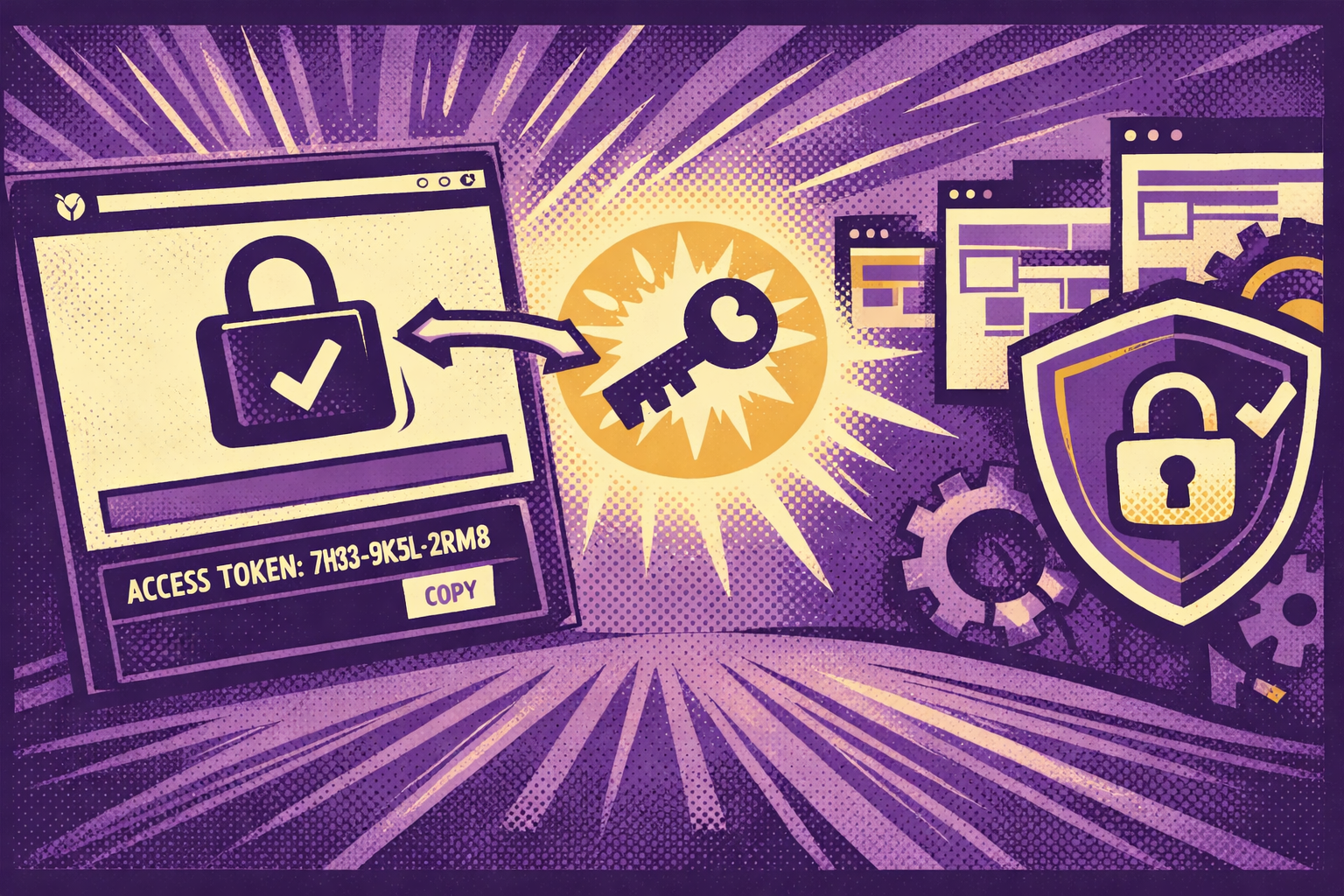
- The access token is displayed on the same screen with a copy button.
- The token is also delivered directly to GravityOps support.
- No password is generated or transmitted.
The token is not a general WordPress credential. It only works within the Trusted Login system and only for authorized support access.
Support Access and Expiration
For the duration of the session:
- GravityOps support can log in with full administrator privileges.
- The session behaves like a normal admin login, without exposing credentials.
Access is time‑bound. When the support window ends, the token stops working and the temporary admin account is removed automatically. You can also revoke access early at any time from the same support screen.
Security Benefits Compared With Manual Accounts
Trusted Login improves support access security in several concrete ways.
No Shared Credentials
Traditional support access relies on static usernames and passwords that live outside your site. Trusted Login eliminates that entirely. No credentials are shared, stored, or reused.
Time‑Limited by Design
Temporary admin users created manually often persist longer than intended. Trusted Login sessions expire automatically, reducing long‑term exposure.
Client‑Controlled Access
You decide when access begins and ends. Revoking access is immediate and does not require hunting down a user account.
Reduced Risk Surface
Because access is temporary and credential‑free, the risk associated with support access is significantly reduced — even if access details are shared in a support thread.
Conclusion
When you need support on a WordPress site, access is often unavoidable. What matters is how that access is granted.
With the Trusted Login integration in GravityOps, you no longer need to create temporary admin users or share passwords when requesting support. Instead, you can grant secure, time‑limited access directly from your dashboard, revoke it at any time, and know it will clean itself up automatically.
This update is about making support safer and more predictable without adding friction. It gives you control, reduces unnecessary risk, and improves the overall support experience when you need help.
If you haven’t already, update to the latest version of GravityOps and use the Trusted Login flow the next time you need support.