How to Connect Your Asana Account with Gravity Forms
This guide walks you through the process of setting up and authenticating your Asana app to work with the Integrate Asana with Gravity Forms plugin. …

 BrightLeaf
This guide walks you through the process of setting up and authenticating your Asana app to work with the Integrate Asana with Gravity Forms plugin. …

Disclaimer: Items are listed in no particular order. Some have higher priority than others. A few are actively in development, while others are still under …

1.6.11 | Aug 07, 2025 1.6.10 | Jun 03, 2025 1.6.9.2 | Jun 03, 2025 1.6.9.1 | May 29, 2025 1.6.9 | May 18, 2025 …

Can I use the plugin on client sites? Absolutely! If you’re an agency or freelancer, you can install and manage our plugin on client sites …

Our 30-Day Satisfaction Guarantee Buying a plugin should feel safe. So we back every purchase for 30 days. If the product doesn’t work as expected, …
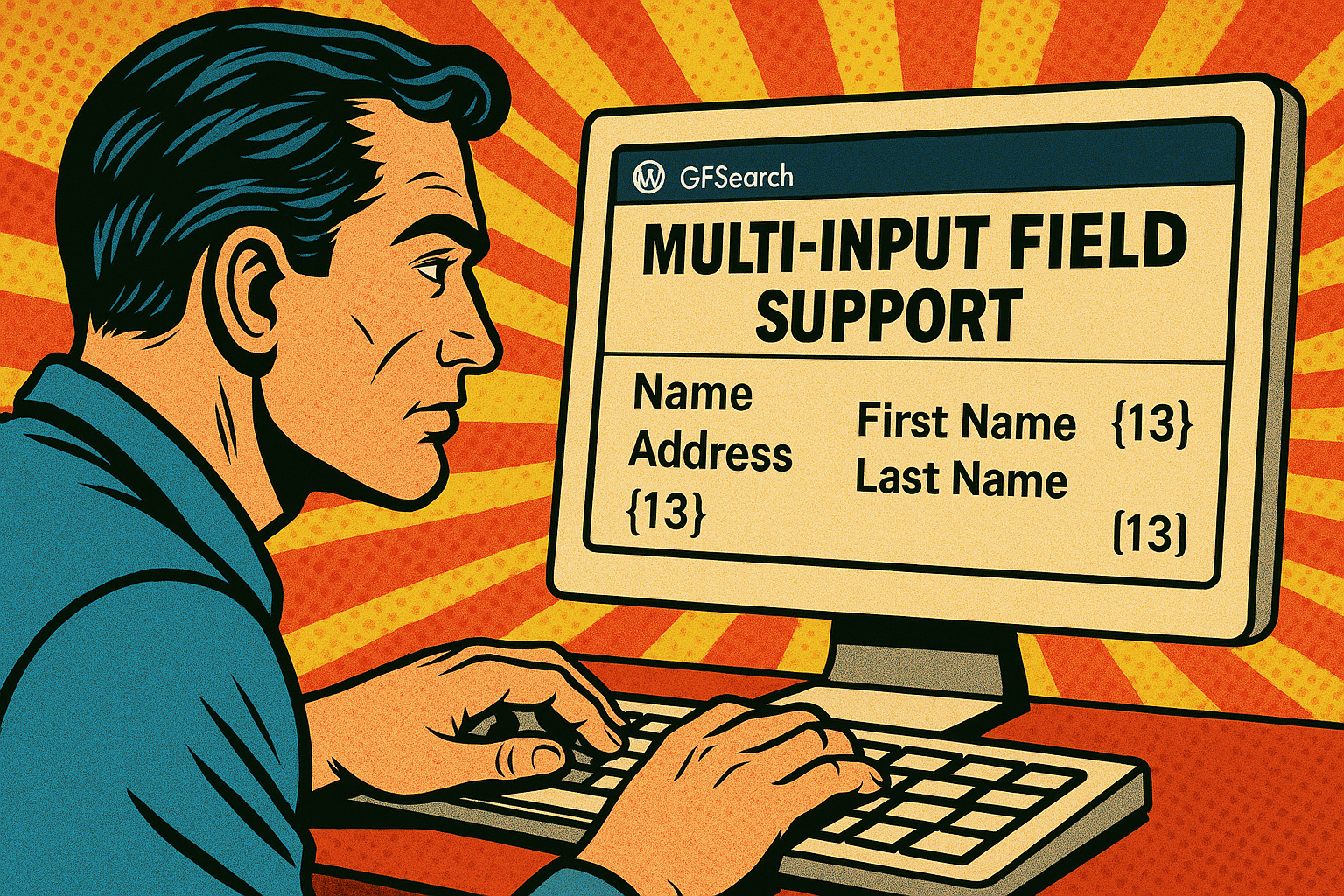
Multi-input fields—such as Name, Address, and Checkbox fields—contain multiple inputs within a single field.GFSearch supports both displaying and searching these fields, but the behavior differs slightly between display and …

The operators attribute in GFSearch allows you to define how each search value is compared to its corresponding field in the search attribute. It should be a comma-separated list, with each operator …

You can include shortcodes inside the display attribute of GFSearch using double curly braces ({{ … }} syntax). This allows you to embed other shortcodes—like gravitymath, gfsearch or any other shortcode—within the output …

The display attribute for GFSearch controls what is shown for each matching entry. You can use it in two different formats: 1. Basic Comma-Separated Field List You …

Learn how to replace the default Gravity Flow inbox with a custom layout using GFSearch. Create inboxes that match your site’s design, show the data you want, and make tasks easier to manage.